PicButler / Guides
How to find duplicate and similar photos on iPhone
Quick answer: open the Photos app, go to Utilities, then Duplicates, and tap Merge on each set. That removes copies of the same photo. It does not group photos that are similar but different, like a burst or five takes of the same pose. Those you clear by comparing them yourself or with an app that groups similar shots.
How to use the Duplicates album in Apple Photos
Since iOS 16, the Photos app finds duplicate photos and videos for you and lists them in a Duplicates collection under Utilities. Where it lives depends on your iOS version:
- iOS 26 and later: open Photos, tap Collections, then Utilities, then Duplicates.
- iOS 18: open Photos, scroll down to Utilities, then tap Duplicates.
- iOS 16 and 17: open Photos, tap Albums, scroll down to Utilities, then tap Duplicates.
In the Duplicates collection, review each set, tap Merge, then confirm Merge Items. According to Apple, merging keeps the highest quality version with the relevant data from all the copies, and moves the rest to the Recently Deleted album.
If you don't see Duplicates at all, Apple's explanation is simple: the collection only appears when Photos has found duplicates in your library.
Duplicates vs. similar photos: what's the difference?
Duplicates are copies of the same photo: the same image saved twice, or the same image in a different size or format, like a photo you saved again from a chat. Similar photos are different photos of the same moment: a burst, the three takes before everyone had their eyes open, the same sunset from slightly different angles. Each one is its own file.
| What you have | Apple's Duplicates album | What to do |
|---|---|---|
| The same photo saved twice | Yes | Merge it in Duplicates |
| The same photo in another size or format | Yes | Merge it in Duplicates |
| A burst, or several takes of the same pose | Not built for this | Compare them and keep the best one |
| Old screenshots | No | Use the Screenshots album under Media Types |
| Large videos | No | Review the biggest videos first |
How to clear similar photos on iPhone
You can do it by hand in Photos. It's free and it works, it's just slow on a big library:
- Pick one event at a time. A trip or a single day is easier than your whole library.
- Compare shots taken seconds apart. Those are almost always the near-identical ones.
- Keep the sharpest one. Zoom in on faces and eyes, then check the light.
- Select the rest and delete them. They go to Recently Deleted for 30 days.
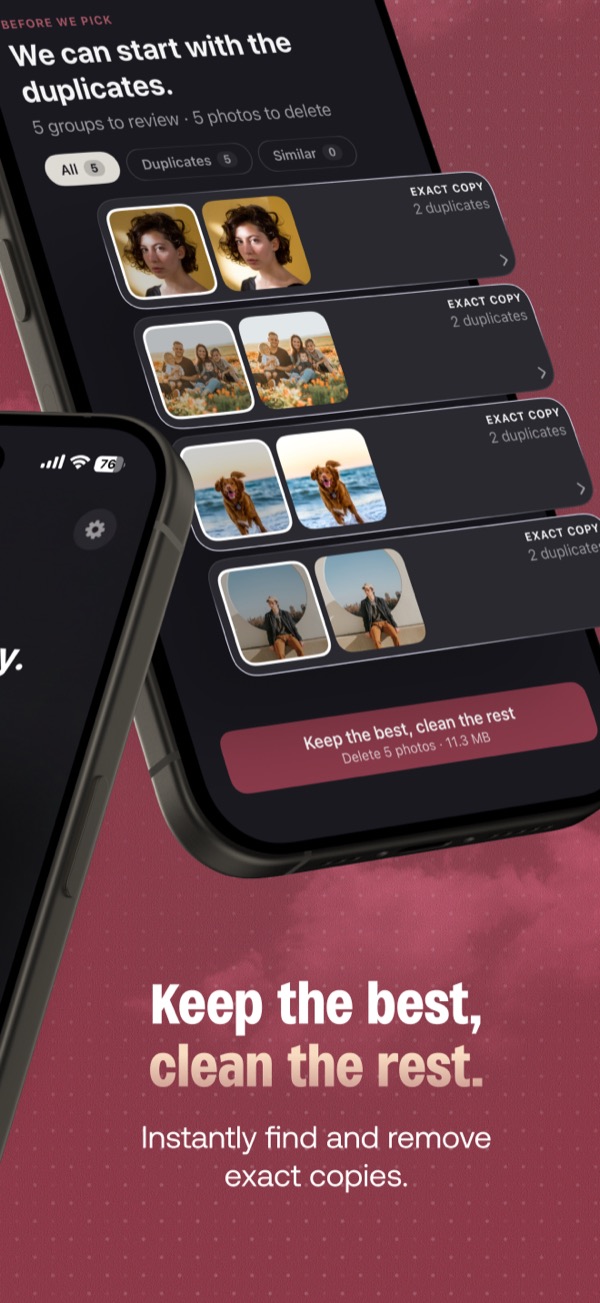
An app speeds this up by grouping the similar shots for you. That's what we built PicButler to do: it groups photos taken close together that also look alike, scores each one on sharpness, lighting and resolution (and on faces, when there are people in the shot), keeps the best one, and tells you why it won. You can always pick a different photo. The analysis runs on your iPhone and your photos never leave it.
What happens after you delete photos
- They stay recoverable for 30 days. Deleted and merged photos go to the Recently Deleted album, and Apple removes them for good after 30 days.
- The space comes back when Recently Deleted is emptied. If you need the storage now, empty that album yourself.
- With iCloud Photos on, deleting is deleting everywhere. Apple says a photo you delete on one device is deleted on every device signed in to the same Apple Account.
Frequently asked questions
Why don't I see a Duplicates album on my iPhone?
Apple only shows the Duplicates collection when Photos has found duplicates in your library. It also needs iOS 16 or later.
Does the iPhone Duplicates album find similar photos?
Apple describes it as a tool for duplicate photos and videos. It is not built to group shots that are similar but different, like five takes of the same pose or a burst. Those you have to compare yourself, or with an app that groups similar photos.
Does deleting duplicates free up storage right away?
No. Deleted and merged copies go to Recently Deleted and keep using space for 30 days, unless you empty that album.
If I delete a photo on my iPhone, is it deleted from iCloud too?
Yes, if iCloud Photos is turned on. Apple says a photo deleted on one device is deleted on every device signed in to the same Apple Account.
Want the similar shots grouped for you? PicButler shows you for free how many duplicates and similar photos your library has, and you can try a whole month free.
Sources
- Apple, Merge duplicate photos and videos on iPhone (iPhone User Guide, iOS 16, 18 and 26 versions)
- Apple, Delete photos on your iPhone or iPad